
Edit Content
Click on the Edit Content button to edit/add the content.

Author name: Singapore

Digital Marketing

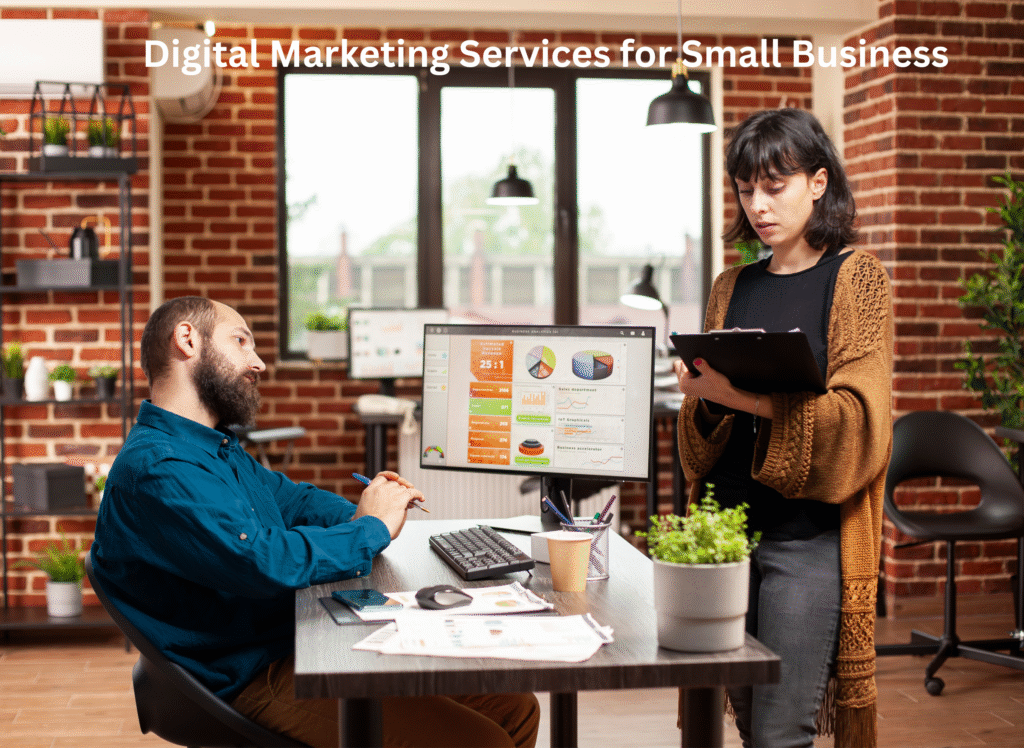
Digital Marketing Services for Small Business

In today’s fast-paced digital world, having a website is no longer an option; it’s a must.  Digital marketing gives small businesses a chance to compete with bigger ones, find new customers, and grow quickly without spending a lot of dough.  Digital marketing services can help you reach your target audience and turn visitors into loyal customers, whether you own a local store, a startup, or a service-based business.  Why Small Businesses Need Digital Marketing Ads in print or on TV are examples of traditional advertising that can be costly and hard to keep track of.  Digital marketing, on the other hand, gives you measurable results, strategies that don’t cost a lot, and exact targeting.  You can keep an eye on what works and improve your campaigns for better results with tools like Google Analytics, social media insights, and email metrics. Digital marketing also helps small businesses build trust, get their name out there, and talk to customers directly on a selection of online platforms.  Important Digital Marketing Services for Small Businesses SEO, or search engine optimization: SEO makes it easier for individuals to find your website by making it rank higher on Google.  Using the right keywords, making your site mobile-friendly, and adding high-quality content will help users find it and bring in organic traffic. Pay-per-click (PPC) ads: With PPC ads, like Google Ads, you can show ads to people whose have searched for your goods or services.  You only pay when someone clicks, so it’s a cheap and easy way to get more leads. Social Media Marketing: Facebook, Instagram, and LinkedIn are all great ways to get people to know about your brand.  Small businesses can get new customers and build relationships by posting, promotion, and interacting with people on a regular basis. Marketing with content: Blogs, videos, and infographics are excellent means to show that your business is an expert in its field.  Good content builds trust and assists with SEO and social media plans. Email Marketing: Email campaigns are still one of the cheapest ways to reach your customers.  Email marketing keeps your audience interested and informed, from newsletters to personalized offers. SEO in your locality: Local SEO makes sure that your small business with a physical store shows up in local searches and Google Maps results. This brings nearby customers right to your door. Advantages of Digital Marketing for Small Businesses Cheap and easy to measure Helps people associate your brand Builds lasting relationships with customers Gives you links to people all over the world and in your region Boosts sales and return on investment Frequently Asked Questions 1. How much does it cost for small businesses to conduct digital marketing? A. The price will vary on what you want to get and what services you choose. Many agencies have affordable packages that start at a few hundred dollars a month. 2. How long will it take to see results?   A . It typically requires 3 to 6 months for SEO and content marketing to work. But PPC and social media ads can get results fast. 3. Do I need all of your digital marketing services? A. Not always. As your business grows, you may add PPC or email marketing to a list of duties to do. 4. Can digital marketing help businesses in this region? A.  Local SEO, improving your Google Business Profile, and using social ads are great methods to get customers from your region. Conclusion:  Digital marketing services helps to  small businesses grow faster, find the right customers, and compete in the online market. Start small, keep going, and watch your business spread online.

Business

5 Signs Your Business Is Ready for a Custom Web Application

Businesses are always searching for ways to improve customer experiences, streamline operations, and stay ahead of the competition in the fast-paced digital world of today.  Although off-the-shelf software can meet basic needs, companies that grow frequently find that generic tools are no longer acceptable for their workflows.  At that point, a custom web application becomes the more prudent and scalable option.  These are five visible indicators that a business is prepared to move forward.  1. Spreadsheets and manual procedures are getting obsolete.  Your team’s productivity may be dragging down if they continue to handle essential tasks using Excel sheets, emails, or manual paperwork.  Errors, delays, and misunderstandings are frequently caused by manual processes.  Efficiency is increased, data is centrally stored, and repetitive tasks are automated with a custom website app. 2. The Software You’re Using Can’t Help Your Business Develop  When you first start out, off-the-shelf tools are fantastic, but as your business expands, they often fall short.  It’s obvious that you need a solution designed specifically for your needs if you’re adding more users, managing heavier workloads, or requiring advanced functions that your current tools don’t provide.  3. You Require enhanced tool integration.  Data silos and additional tasks result from operating several platforms that are unable to connect with one another.  A custom application can combine all of your systems—CRM, billing, operations, HR, and more—into a seamless ecosystem if you consistently export, import, or manually sync data.  4. Your Clients Want the improved Internet Experience  Contemporary customers desire seamless digital services, personalized interactions, and fast access. You run the risk of losing clients if your present system is complicated, antiquated, or unable to deliver real-time updates.  With its distinctive traits and user-friendly design, a web application improves user experience.  5. You’re By looking for a Competitive Edge  Relying on traditional methods may cause you to lag among competitors who embrace new technologies.  Whether it’s faster service delivery, intelligent data insights, or cutting-edge features created exclusively for your audience and operation model, a web application gives you a unique edge.  Concluding Remarks  Purchasing a custom web application is a strategic move that promotes productivity, growth, and better client interaction versus merely an advance in technology.  Now might be the ideal moment to switch to a unique digital solution if you agree with any or all of these warning signs. FAQ  1. Describe a custom web application.  A web application is a software solution created tailored to your company’s operations, workflows, and client needs.  2. How much time does it take to develop an original web app?  Depending on complexity, features, and integrations, it typically lasts from four weeks to several months.  3. What price does a custom web application cost?  Custom apps offer long-term value by reducing labor and improving efficiency; nevertheless, costs vary.  4. Can my current tools work with a custom web application?  Indeed.  The easy integration with accounting systems, ERPs, CRMs, and other platforms is one of the main benefits.  5. Will I adapt my application?  Of course.  Custom web apps are designed to grow with your company to manage more data.

Business

Why Every Retail Business Should Go Online

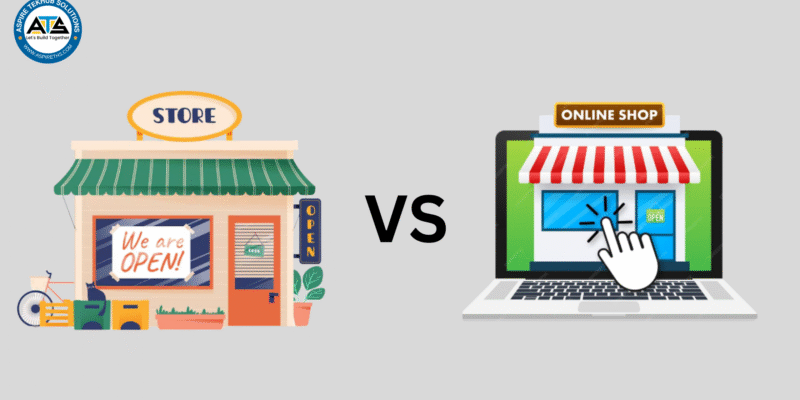
Why Every Retail Business Should Go Online: Unlocking Growth, Visibility & Profitability in the Digital Age With rising smartphone usage, increased internet accessibility, and rapidly changing consumer expectations, customers today prefer convenience, speed, and personalized experiences. Going online is now essential to survival and long-term growth, no matter the size of your business. You can reach more shoppers, improve your reputation, streamline operations, and greatly increase sales by taking your retail business online.  This is an in-depth discussion of why every retail business needs to build a solid web presence.  1. Reach a Global Audience beyond Local Boundaries  Traditional retail business limits your clientele to those in the vicinity.  However, borders are eliminated by an online store.  Putting your business online allows you to:  Sell to clients from any nation, state, or city.  Expand the visibility on your brand  Enter new markets with little investment in dollars 2. Fulfil Customer Expectations with a Focus on Digital  Consumers of today prefer to do research, make comparisons, and shop online before entering a store—or not at all.  Before making a purchase, an important proportion of consumers, per statistics, look up product images, prices, availability, and reviews online.  You are invisible during this critical decision-making stage if the company is not online.  Being online guarantees that clients:  Locate your business with ease  Check your offerings.  Have faith in your brand  Pick you over rivals  3. Higher profit margins and lower operating expenses  Rent, utilities, employees, and maintenance are just a few of the high costs related to operating a physical retail store.  Conversely, an online store substantially reduces these expenses.  You enjoy the following while saving money:  Reduced overhead  Automated procedures (notifications, stock updates, and billing) Greater profit margins  The capacity to grow without encountering significant financial strain  Online retailers frequently surpass physical stores in terms of profitability when they employ an effective digital strategy.  4. More Client Convenience  The main driver of the growth of online shopping is convenience.  Customers desire:  Delivery to where you live  easy browsing  Rapid comparisons  Many methods to pay  Access around the clock  By giving such benefits, you satisfy modern customer needs and substantially boost conversions.  5. Enhance Your Brand’s Awareness  For many clients, brands that aren’t online simply don’t exist in today’s cutthroat market.  Brand credibility gets improved by a website, social media presence, and online marketplace listings Customers should be able to locate the following when searching for a good or service:  Details about your brand  Reviews from customers  Details of the product  Costs  Deals and offers  Being online improves your reputation and fosters trust.  6. Use Data to Determine Customer Behaviour  Access to broad customer insights is one of the major advantages of going online.  Using digital tools, you can analyse  Purchase trends  Products with the most views  Demographics of clients  Trends by season  Carts that became abandoned  Reviews and comments  These senses enable you to:  boost your marketing strategy  Make custom offers  Make wise adjustments to inventory  Provide customisation experiences  Making choices based on data is vital to long-term retail success. 7. Effectively Compete with Larger Brands  Large chains seem to overshadow many smaller stores.  On the other hand, the internet provides an even playing field.  On the right:  Design of web pages  Presentation of the product  involvement on social media  Promotion for search engines  Customer service  Even a tiny retailer can compete with major brands and draw in loyal customers.  Your individuality, quality, and clientele can make you stand out on the internet.  8. Easily Expand Sales Channels  Selling on several platforms can increase your company’s visibility once it goes online:  Your custom website.  Instagram Store  Marketplace on Facebook  Meesho, Amazon, Flipkart, etc.  Google buying  Apps for local delivery  The more opportunities you create for sales, the more places your brand appears.  9. Improve Client Loyalty & Engagement Having an online presence facilitates regular communication with your clients by:  Updates on social media  customised emails  Exclusive offers  Programs for loyalty  Online customer service  Developing relationships improves customer retention, and over time, loyal clients spend more.  10. Be ready for Market Changes  Pandemics, changes in the economy, or local lockdowns can all have an important effect on offline businesses.  But businesses that have an online presence still run efficiently.  Using the web provides guarantees:  Stability in unforeseen events  Permanent sales  Resilience for companies  A strategy that’s future-proof  11. Basic to Start as well Grow  It is now easier than ever to launch an online store.  You may begin with:  A simple website for a business  An online store like Wiz, WooCommerce or Shopify  Selling on social media  Listings in the marketplace  When your business grows, you can scale with: More product categories superior logistics Digital advertising  Automated appliances  Online retail offers the highest scalability.  In conclusion  For any retail business hoping for growth, to flourish, and to keep their competitive edge, going online provides not just an opportunity.  Increased reach, higher sales, lower costs, greater customer insights, and a stronger brand presence are all clear advantages.  Making a digital shift will alter what you do and create new opportunities, no mater the scale of your local business. Buying things online is the way of the future; don’t fall behind

UI/UX Design

How to Increase Online Sales With Smart UX Design

An online business’s success in today’s digital-first marketplace depends heavily on how well clients interact with its mobile app or website.  Poor user experience (UX) can lead to customers refusing their carts and never coming back, even with excellent products and competitive pricing.  Smart UX design contributes to smooth, intuitive, and pleasing shopping experiences, which increase conversion rates, improve customer satisfaction, and eventually increase online sales.  1. Make Your Navigation Easier  Users can quickly find what they’re looking for with respect to a simple and clutter-free navigation system.  Limit menu items, add clear labels, and organize categories logically.  Breadcrumb trails, filters, and predictive search are examples of features that ensure users stay engaged and don’t get lost. 2. Make Your Product Pages Better  Product pages have a crucial role in encouraging clients to make a purchase.  Make use of excellent images, concise product descriptions, strong incentives to action, and social proof in the form of reviews and ratings.  To cut down on friction, put essential information like price, size, availability, and delivery above the fold.  3. Make Your Website Swifter  Conversions are lost by a slow website.  Particularly on mobile devices, users expect pages to load quickly.  To speed up load times, improve images, cut down on redundant scripts, and make use of caching.  A quick internet site facilitates browsing and directly grows sales.  4. Increase Your Experience at Checkout  The majority of customers regularly abandon their carts whilst on the checkout process.  In order to reduce drop-offs:  Limit the sum of form fields  Allow people to check out  Offer a number of ways to pay  Address fields that fill out in  Show indicators of progress  A smooth checkout boosts courage and encourages Display indicators of progress  A smooth checkout boosts faith and inspires clients to finish their purchases.  5. Build User Trust  When buying online, trust is crucial.  Showcase SSL certificates, trust badges, simple return guidelines, and client endorsements.  Buyer confidence is also boosted by clear shipping information and transparent product details.  6. Make sure the design is mobile-friendly  Nowadays, mobile devices account for an important part of online purchases.  Enhancing mobile user experience and increasing mobile conversions requires a responsive layout, large clickable buttons, simplified menus, and thumb-friendly placements.  7. Personalise User Experiences  Users can locate relevant stuff more quickly with the use of smart modification, such as suggested products, recently viewed items, or tailored homepage banners.  Specific UX design promotes repeat business and boosts engagement. Simplify the checkout process, allow guest checkout, use auto-fill, offer secure payments, 8. Make constant advancements with A/B testing. It takes decades to achieve smart UX. To compare various layouts, CTA buttons, product page designs, and checkout processes, use A/B testing.  FAQ  1. How does UX design boost online sales? UX design enhances the browsing and purchasing experience, lowers friction, fosters trust, and encourages purchases—all of which boost conversion rates. 2. Which UX aspects have the greatest impact on conversion rates? Conversions are mainly affected by navigation, product pages, CTAs, checkout flow, loading speed, and mobile responsiveness. 3. What makes mobile customer service vital to online sales?  A seamless mobile experience raises sales, lowers bounce rates, and increases engagement. 4. How can I use UX design to reduce cart abandonment? Simplify the checkout procedure, allow guest checkout, make use of autofill, and provide safe payment methods.

Scroll to Top